
Amatis Border Router (AMBR)
AMBR is the plug n’ play commissioning hub of the wireless mesh network, hosting up to 100 wireless devices per unit and spanning up to 200 feet, while collecting real-time data uploaded to the Amatis Energy Dashboard. AMBR outperforms other routers on memory, stability, signal strength, functionality, and affordability.
Every Amatis device connects to AMBR via our 6LoWireless protocol. AMBR uses this wireless communication to configure each device automatically to create a secure 6LoWireless mesh network. Each device is in constant communication with other devices in the network, thereby eliminating range limitations, creating a system that is fault-tolerant should one of the devices lose communication and allowing for a system that acts cohesively across zones.
• Plug and play installation
• Communicates with all connected Amatis devices using secure IPv6 6LoWireless mesh network
• Keeps track of time for network, enabling scheduling features
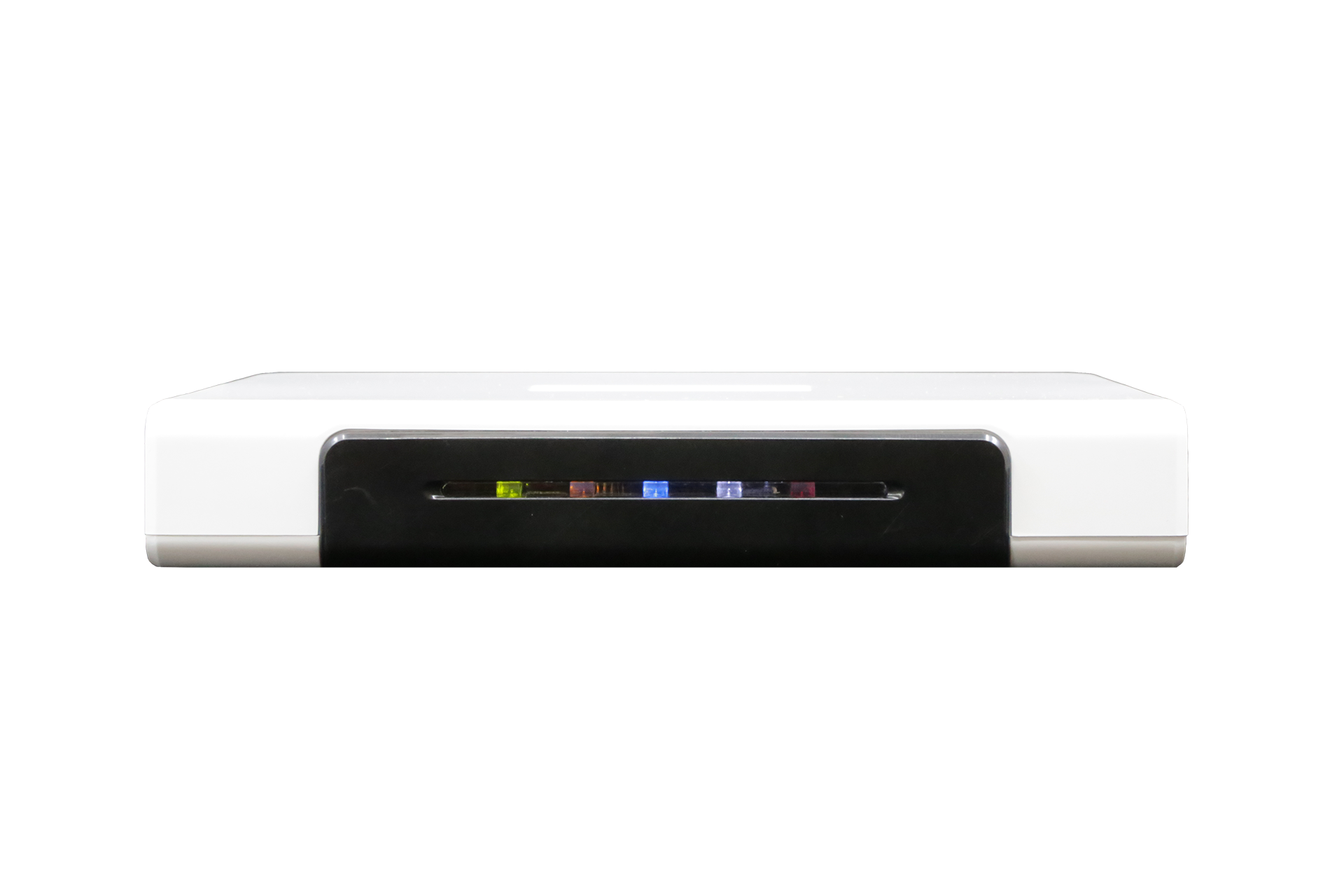
• LEDs indicate power and Internet status
• Hosts up to 100 wireless devices
• IPv6 addressable wireless nodes
• Mesh communication up to 200 feet between nodes
• Open-source OS for third-party integration
• Real-time data uploaded to Amatis Energy Dashboard
• Dual antennas provide robust signal strength and dependable communication
• Includes CAT5E cable
• Includes DC power adapter
• Includes Ethernet connection for BACnet-over-IP integration, web-based Amatis Lighting Dashboard access, scheduling and real-time data capture
• Includes AES 128-bit encryption and secure VPN connection to the Internet
• Connects to Amatis Commissioning app via phone or web browser to program all devices on the mesh network
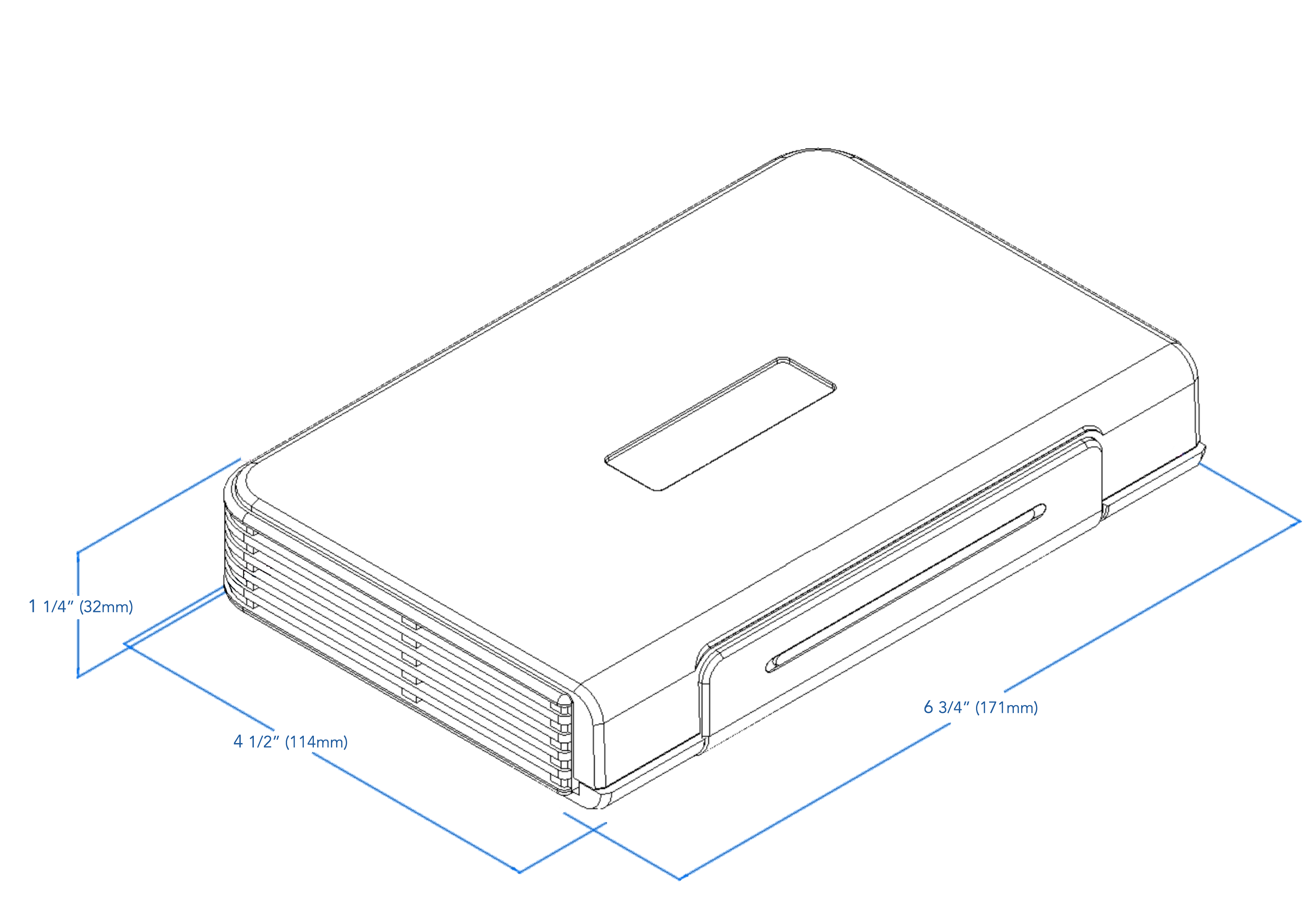
| Product dimensions | 6 ¾’’ (171mm) w 4½’ (144mm) h ¼’’ (32mm) d |
| Color | White with black faceplate |
| Finish | High gloss |
| Item package quantity | 1 unit |
| Included components | (1) CAT5E cable (1) DC power adapter |
| Range | Up to 200 feet |
| External Outputs | Single Ethernet port for LAN connectivity and management |
Amatis 5-year warranty:
All Amatis LED lighting products and controls come with a 5-year parts warranty, as well as labor per product up to a maximum of 50% of the material price for parts being replaced*. All parts are UL certified. Lamps are DLC certified, therefore eligible for utility incentives. We warrant that our products will be free from defects in material and workmanship for a 5-year period from the date of purchase. Defective products under warranty will be replaced with an equal or higher quality product.
*The Amatis Border Router (AMBR) connected to your affected device must have remained connected to the Amatis cloud via the Internet or cellular connection from the start of site commissioning to date of return request.
- Non-connected systems are eligible for a 2-year limited warranty (730 days) from shipment date, with the same remaining criteria.
What do the external lights mean on my AMBR device?
| LIGHT INDICATOR REFERENCE TABLE | |||
|---|---|---|---|
| LED | Flashing | Solid | Off |
| Green | AMBR Starting up | AMBR Start up SUCCESSFUL | AMBR Start up ERROR |
| Orange | Offline data logging SUCCESS |
Offline logging ERROR |
|
| Blue | Data logging and configuration enabled SUCCESS |
Data logging enabled SUCCESS |
Internet connection error ERROR |
| White | 6loWPan SUCCESS | Normal operation | |
| Red | Power connection SUCCESS |
Power connection ERROR |
When AMBR is connected to power, all lights turn on, then turn off, then turn back on one-by-one.
Note: this table is only valid after AMBR has completed it’s startup sequence and the green LED is solid.
What are the functions of the buttons on my AMBR device?
Button “A”: Allows users to Hard Reset their AMBR. Please contact Amatis Support before proceeding.
Button “B”: Allows users to select between DHCP (selected by default) and Static IP addresses, or reset their AMBR. To adjust the following settings, first press the “B” button for 3 seconds. The white LED will begin to blink, indicating the AMBR is ready to receive the next inputs. Press the “B” button…
- • 1 time to configure AMBR to DHCP. Blue LED will illuminate
- • 2 times to configure the AMBR to Static IP. Orange LED will illuminate
- • 3 times to exit configuration mode. Green LED will illuminate. Press and hold “B” button for 3 seconds to commit to selection.
The USB connection is disabled to the end user.
How many AMBRs do I need when designing a space?
Each AMBR can communicate with up to 100 devices in a mesh network, provided that those devices are within communication range of the AMBR (up to 200 feet) and/or other devices in the mesh (see spec sheets for each device type in space for range).
Sites with 100+ devices will also require a Master AMBR – a centrally located AMBR without any devices on it that connects all the child AMBRs.
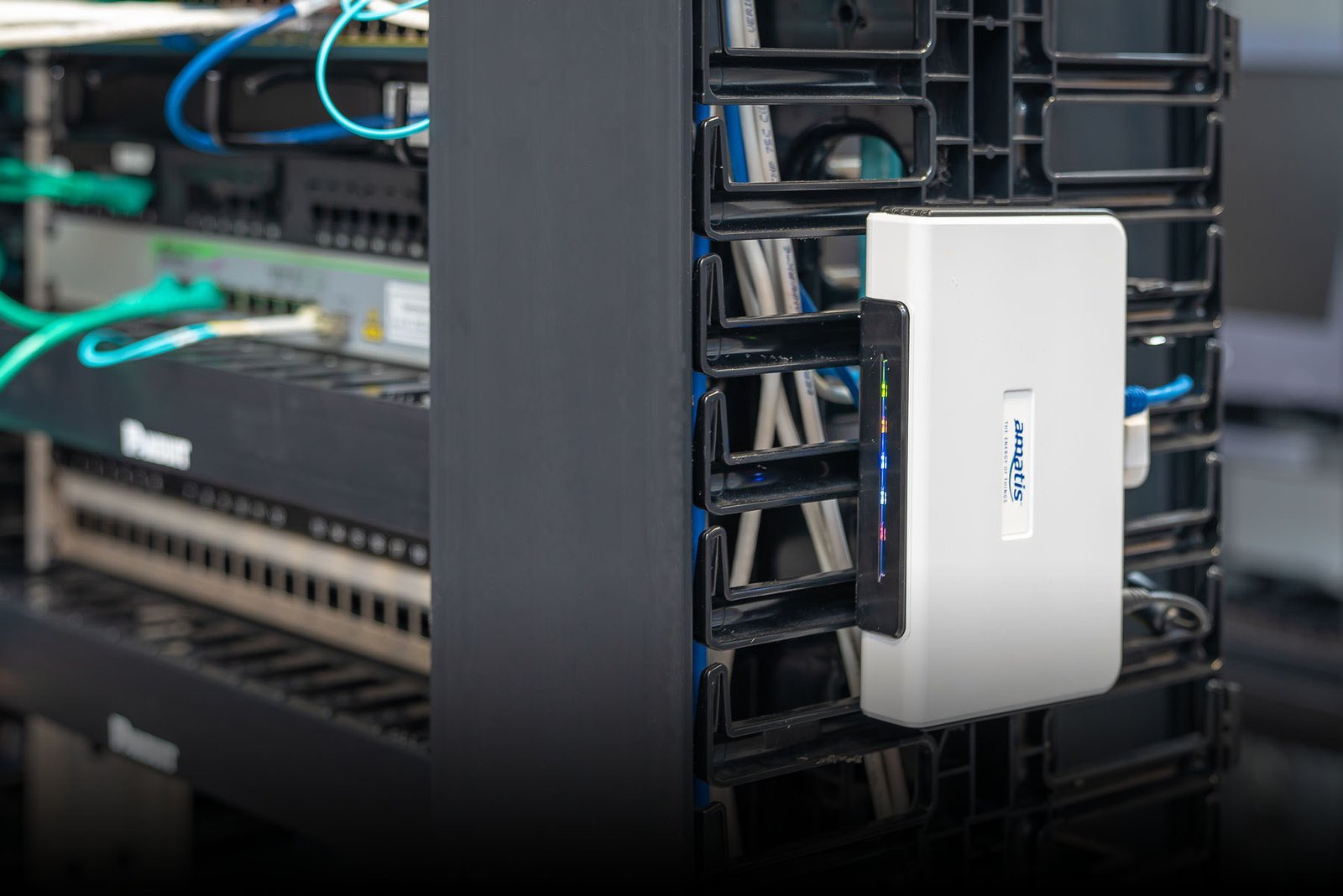
Application Image
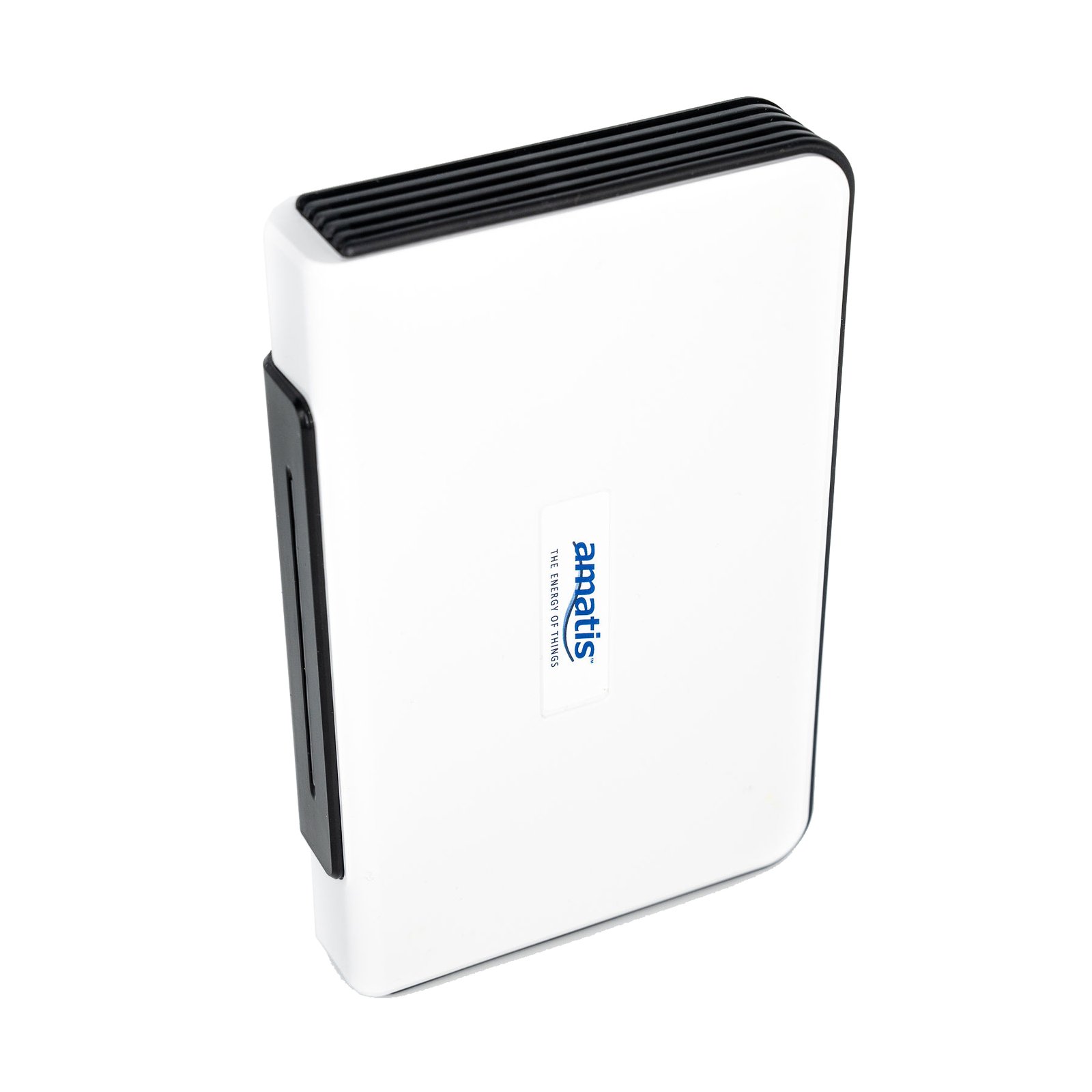
Product Image
AMBR User Manual
Return Policy
EOL
Update Policy
Electrical contractors pilot: free demo samples
Digital lighting controls really can be simple and reliable, and seeing is believing. We’re offering a free commissioning training session and controls demonstration kit to install however you choose — in your office, conference room or warehouse.